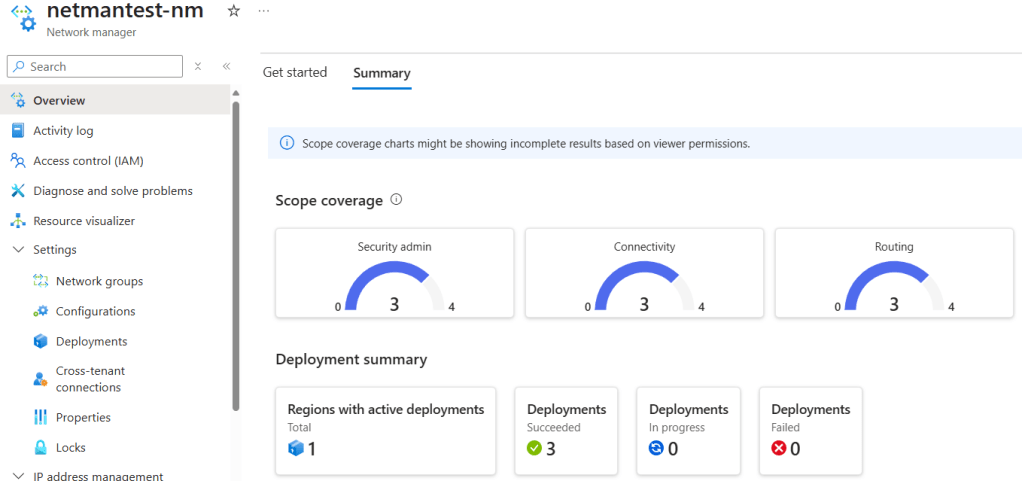
Cloud Mechanix is happy to share our new Azure Verified Module (AVM)-compliant Bicep module for Azure Virtual Network Manager (AVNM).
Using this module, you can deploy and configure AVNM and it’s features:
- IP Address Management (IPAM)
- Network Groups
- Connectivity Configurations
- Routing Configurations
- Security Admin Configurations
- Verifier Workspaces (Intents and Runs will come later)
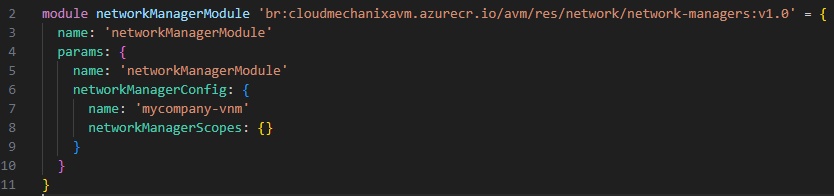
The following code snippet shows a simple deployment.
module networkManagerModule 'br:cloudmechanixavm.azurecr.io/avm/res/network/network-managers:v1.0' = {
  name: 'networkManagerModule'
  params: {
    name: 'networkManagerModule'
    networkManagerConfig: {
      name: 'mycompany-vnm'
      networkManagerScopes: {}
    }
  }
}
There are two tests shared in the code that also show how to deploy the module. The Default test is similar to the above. The WAF-Aligned test deploys a test environment before executing the module with most of the parameters/features. Note that the WAF-Aligned test deploys a valid zero-trust hub & spoke network (minus the subnet NSGs).
There are some notes:
- Credit to the AVM team for the standards that we have tried to comply with.
- Verifier Workspace is being deployed, but Intents and Runs have not been added yet – they require VMs to be added to the test environment first (planned).
- The configurations are being created but not automatically deployed. One will have to use command line/Azure Portal to deploy the configurations to the assigned Network Groups at this time.
- The Azure Policy requirements (Definition and Assignment) for dynamic group membership are not included at this time.
Learn More
If you found this content interesting then please check out our offerings:
 Cloud Mechanix